Camera architecture
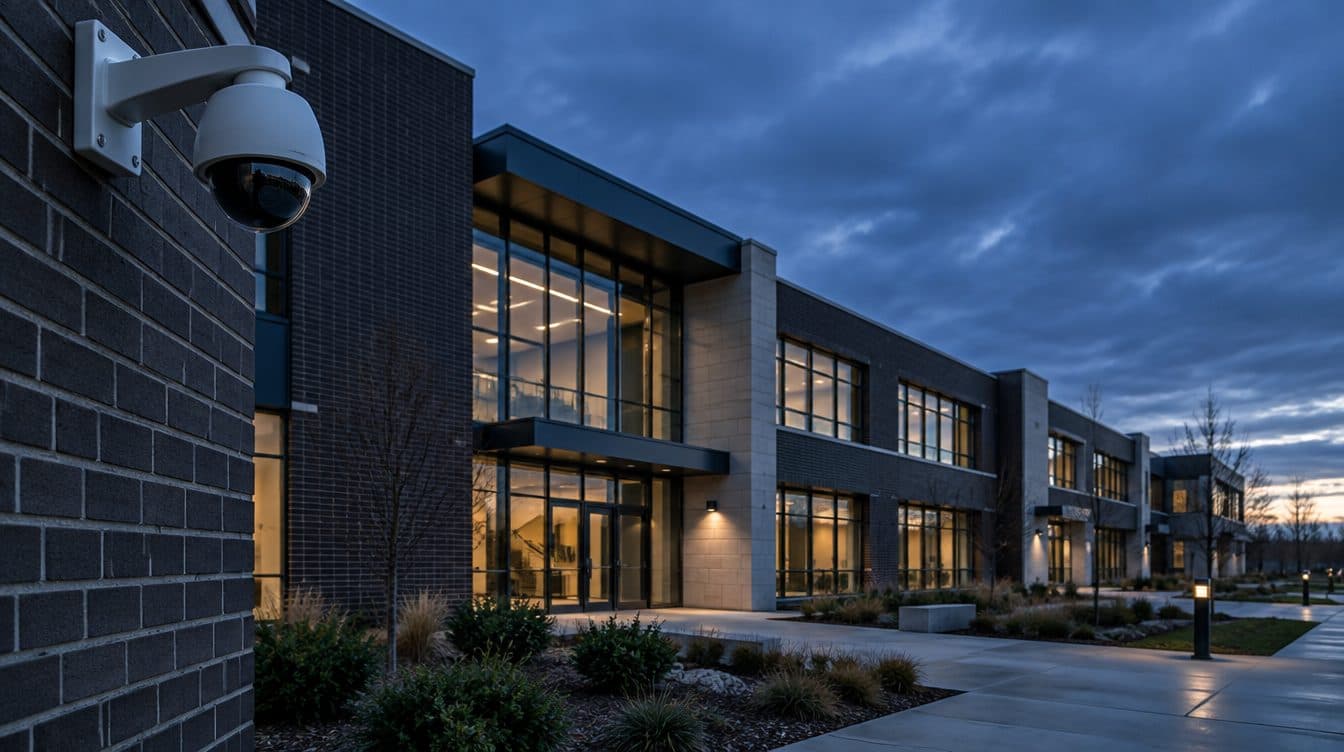
Fixed, panoramic, PTZ, thermal and specialty cameras chosen per view.
Security systems · Video surveillance
Camera placement, recording and retention planned around the incidents you need to review, not around a device count. Designed with the network it runs on and handed over with the documentation to keep it running.
Scope
Fixed, panoramic, PTZ, thermal and specialty cameras chosen per view.
Platform selection, configuration and operator layouts.
Storage sized to the number of days you need to keep.
Event-driven alerts where the platform and the view support them.
Who can see live and recorded video, and from where.
PoE budgets, switching and a segmented camera network.
Network & cybersecurity
Cameras and recorders run firmware, open network ports and hold credentials. We put them on a segmented network, replace default passwords, keep firmware current and monitor them alongside the rest of your IT.
How we secure the networkStart with the requirement